
What a cash advance report should include
A closeout report should let another person understand the temporary fund without reconstructing the entire activity from memory. It needs enough context to identify the advance, verify the transaction totals and understand the final reconciliation result.
| Report section | Recommended content |
|---|---|
| Book information | Title, book ID, reference, responsible person, creation date, close date, status and currency. |
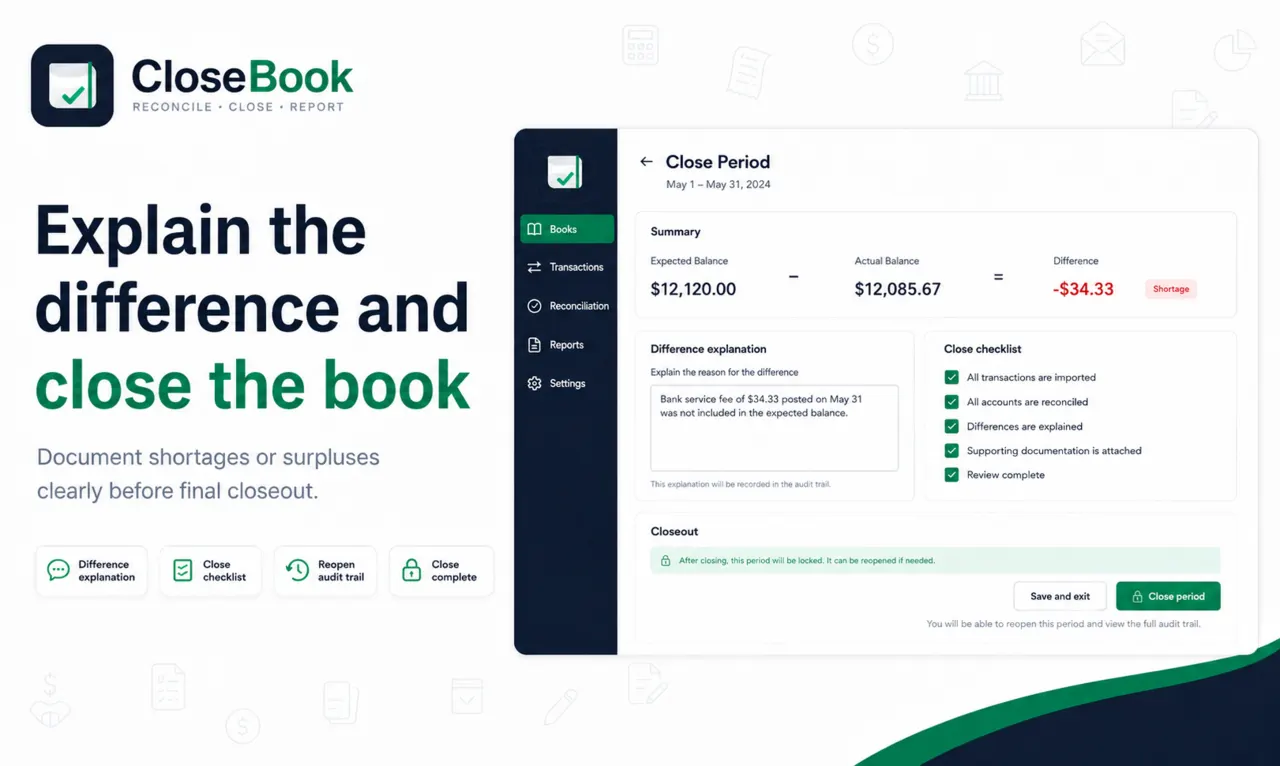
| Summary figures | Starting balance, additional money in, total funds, money out, expected balance, actual balance and difference. |
| Reconciliation status | Balanced, shortage, surplus or action required, with the status date. |
| Difference explanation | A factual explanation when expected and actual balances differ. |
| Transaction register | Date, description, category, reference or documentation status, money in, money out and running balance. |
| Review and notes | Outstanding issues, documented exceptions and relevant notes. |
| Signatures | Prepared, reviewed and approved fields when the organization uses them. |
Expense report versus cash advance report
An expense report can be complete even when it does not state how much cash remains. A cash advance report should connect expenses to the original funds and the amount returned or retained.
CloseBook report workflow
Complete the book information
Make sure the title, responsible person, currency and reference are correct.
Review transactions
Resolve missing categories and documentation exceptions.
Reconcile the balance
Enter the actual cash and document any difference.
Close the book
Lock the completed book while retaining the ability to reopen with a reason when supported.
Export the record
Print or save the PDF-style report, export Excel and retain the audit trail or closeout package as required.
Report limitations
A clear report improves accountability, but it does not certify the legitimacy of an expense, validate external evidence or guarantee compliance with a specific accounting standard. Review and approval remain organizational responsibilities.