
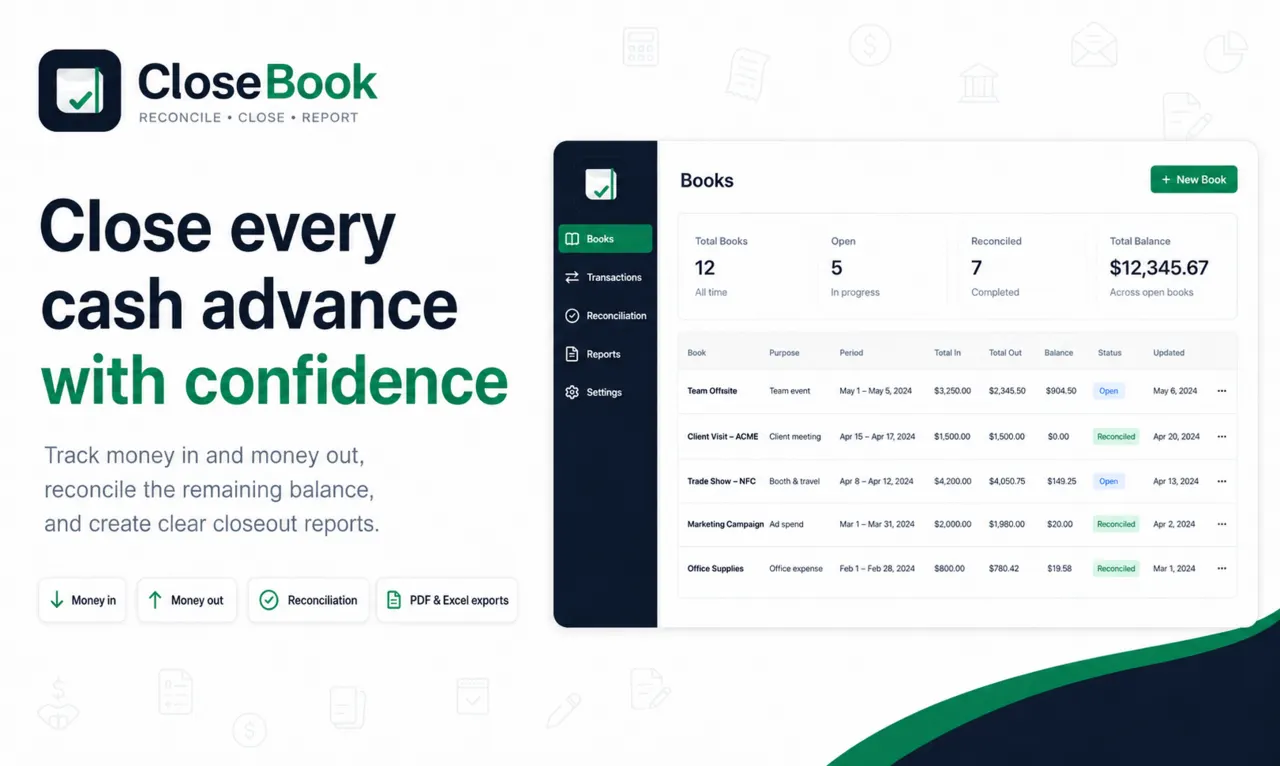
Focused features for temporary-fund closeout
Books for defined advances
Keep each temporary project fund, activity or procurement advance in a separate book.
Money In and Money Out
Record additional funding and expenses without losing transaction direction.
Expected versus actual balance
Calculate what should remain and compare it with the counted balance.
Documentation status
Record invoice numbers or make missing-document exceptions visible.
Closeout reporting
Produce a structured reconciliation report and Excel transaction export.
Audit trail
Retain a history of important changes, closure and reopening actions.
Account and storage choices
Guest use stores books locally on the device. Registered accounts can synchronize book data through CloseBook’s Cloudflare-based backend. Attachment files are not stored by CloseBook in the current implementation.
What CloseBook intentionally is not
It is not a full accounting suite, payroll system, household budget app, receipt-verification service or substitute for financial approval procedures.
How the features work together
The value of CloseBook is not any single transaction field. The workflow connects the book purpose, funds received, expenses, documentation status, expected balance, actual count and final difference. That connection is what turns a list of payments into a closeout record.
During review, incomplete categories and documentation exceptions remain visible instead of being hidden. During reconciliation, the application uses the recorded movements to calculate the expected balance and compares it with the actual amount entered by the user. Closing then locks the operational result while preserving controlled reopening and audit history where supported.
Exports for handover and recordkeeping
The PDF report presents the book information, summary figures, reconciliation result, transactions, notes and signature areas in a shareable format. The Excel export supports further review of transaction data. Exports are records of the information entered into CloseBook; they do not independently verify receipts, approvals or accounting treatment.