
A short path from advance to closeout
Create a book
Identify the activity, reference, responsible person, currency and starting balance.
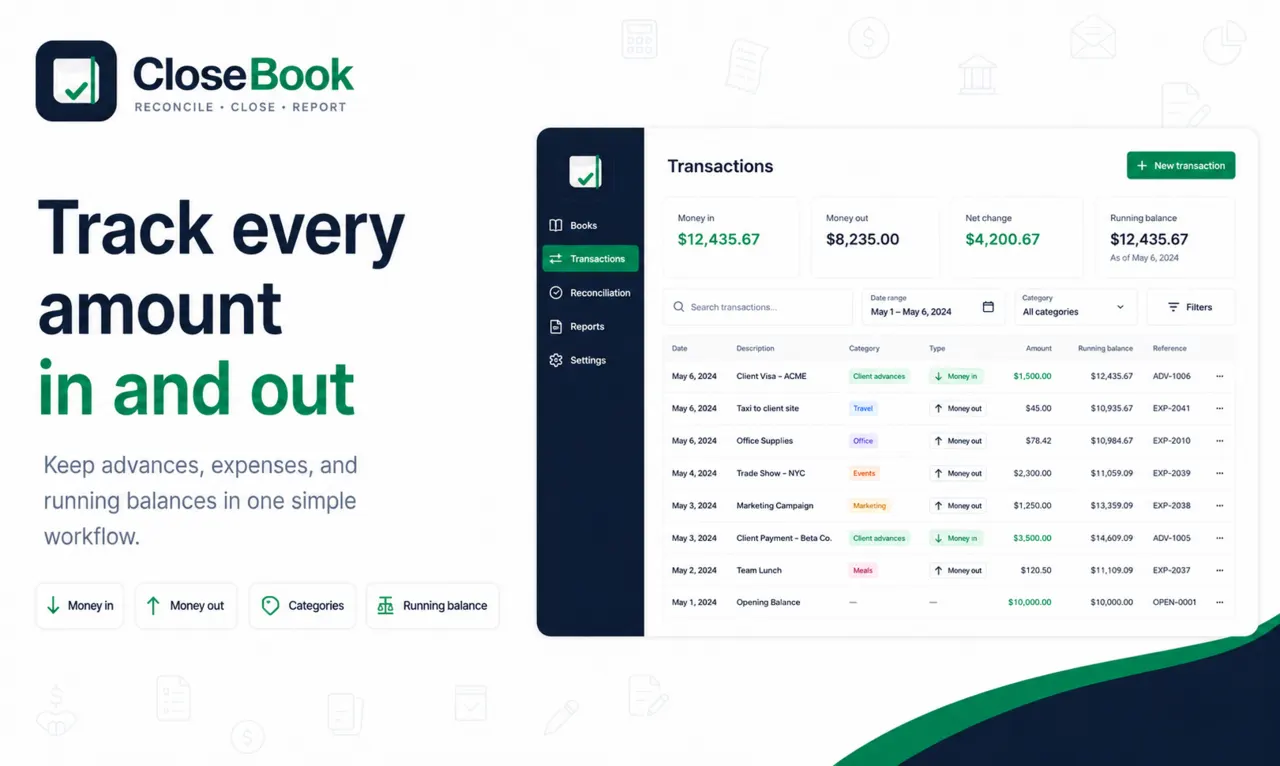
Record transactions
Add later funds as Money In and payments as Money Out.
Review the record
Resolve missing categories, invalid values and documentation exceptions.
Reconcile
Count actual cash and compare it with the expected balance.
Close and report
Explain the difference, close the book and export the report or Excel file.
The working interface stays first
The CloseBook home page opens directly to the books workspace. Public guides and resources live on separate pages so they do not push the user’s books below a long marketing page.
Guest and registered use
| Mode | Storage | Best for |
|---|---|---|
| Guest | Local browser storage on the current device | Trying the workflow or maintaining one local book with manual backups. |
| Registered | Cloud-synchronized book data through the CloseBook account | Using several books or continuing work across supported sessions and devices. |
Closeout result
At the end, the user has a transaction register, expected balance, actual balance, difference classification, explanation, closed status, report and audit trail.
Why each step stays separate
The starting balance describes cash already available when the book begins. Later funding is recorded as Money In so the history remains visible. Expenses are recorded as Money Out so the expected balance can be reproduced from the transaction register rather than inferred from a manually edited total.
Review happens before reconciliation because a correct cash count cannot repair an incomplete transaction register. Reconciliation then records the actual amount remaining and classifies the difference. Closing is the final step because it creates a clear point in time for the report and audit trail.
What happens when the balance does not match
A negative difference is a shortage and a positive difference is a surplus. CloseBook requires the user to make the result visible and document the reason rather than silently changing the expected amount. The explanation can state a confirmed cause or a factual pending status, subject to the organization’s own review and approval process.